
Reviewed by Ivan Yurynts, IT Tech LLC
Practical guidance based on local on-site repair and support work.
One test measures one device at one moment
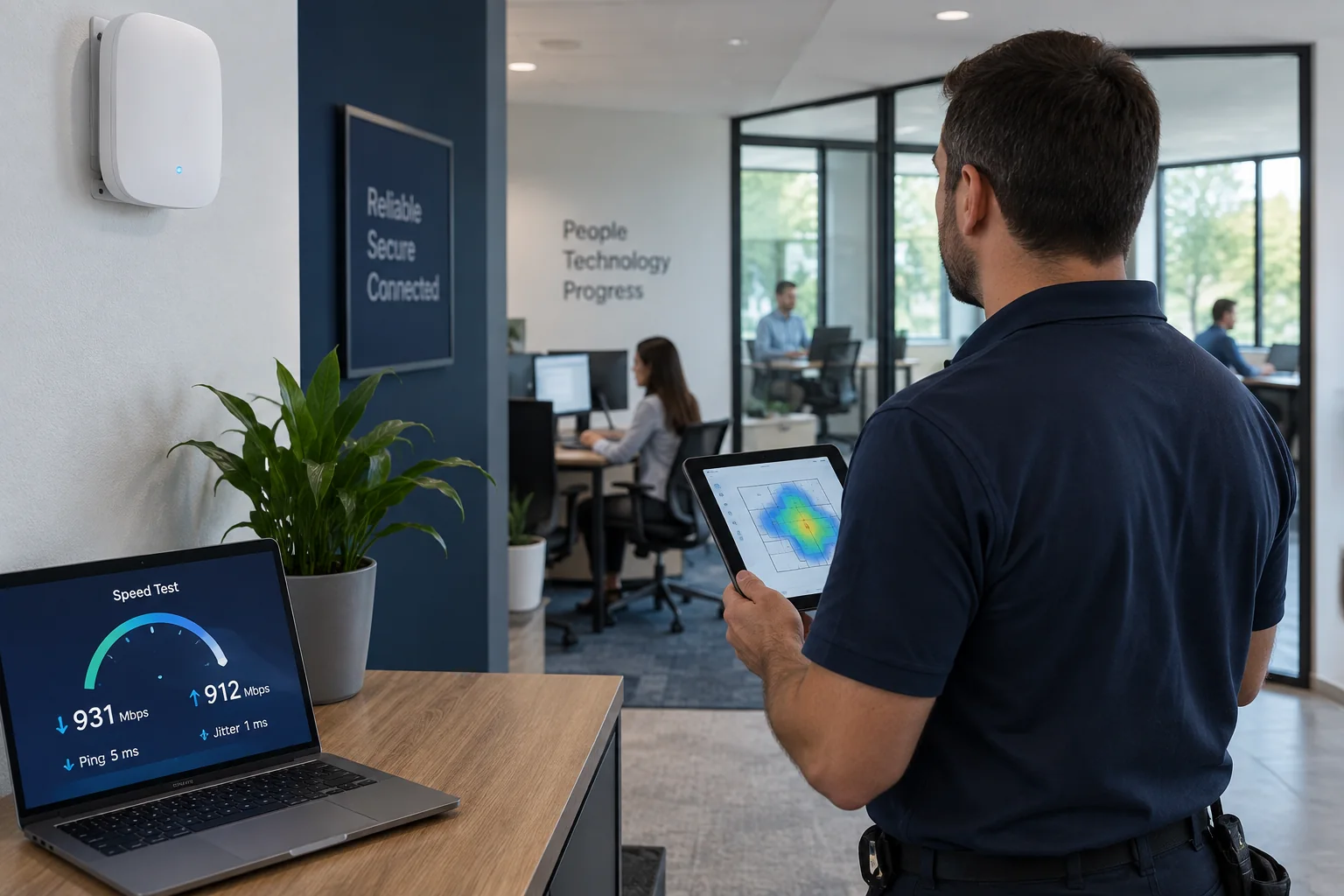
A laptop beside the access point may show full internet speed while handheld terminals, conference rooms, cameras, or distant workstations experience weak signal, retries, or overloaded airtime.
Coverage and capacity are different
Strong signal does not guarantee that an access point can serve the number and type of devices using it. Voice, video, guest traffic, backups, and cameras place different demands on the wireless network.
Roaming and channel use create intermittent complaints
Devices may remain attached to a distant access point or compete with neighboring networks. Channel width, transmit power, placement, and firmware should be reviewed as one design.
Test the application path
A slow cloud application may involve DNS, VPN, server response, packet loss, or wired uplinks rather than raw download speed. Measure the workflow that employees report as slow.
Related local IT services
Use these service pages to learn what IT Tech LLC can diagnose, install, or support at your home or business.