
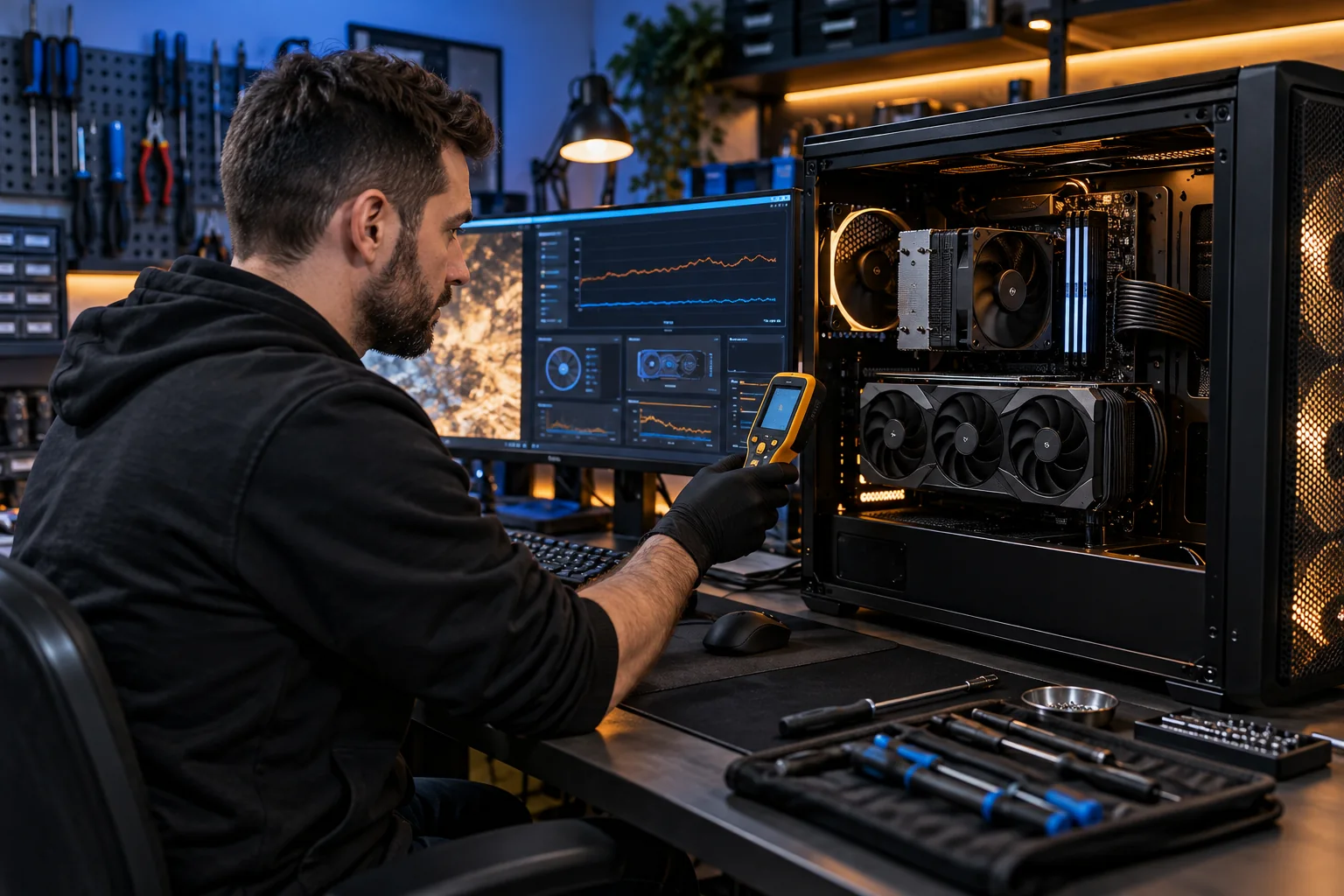
Crashes, overheating, low FPS, random restarts, or upgrade problems? We diagnose and repair gaming PCs properly — no guesswork, no unnecessary parts.
On-site service available in Aurora & Parker.
Gaming Computer Services
Gaming PC Upgrades & Performance Tuning
PC crashes or restarts during games
Overheating CPU or GPU, loud fans, thermal throttling
Low FPS, stuttering, frame drops
Black screen, GPU driver crashes, artifacts
Blue screens (BSOD), freezing, boot loops
RAM instability, XMP issues
SSD / HDD failures and corrupted Windows installs
Custom Gaming PC Build
Parts selection based on your games, budget, and monitor (1080p/1440p/4K)
Compatibility check (CPU/GPU/RAM/board, PSU headroom, airflow)
Professional assembly + cable management
BIOS setup (XMP/EXPO, updates, safe settings)
Windows install + drivers + stress testing
Quiet build, small form factor, or RGB setup
Troubleshooting
Random restarts under load / overheating
Low FPS / stuttering / frame drops
Blue screens (BSOD), boot loops
GPU driver crashes, artifacts, black screen
Storage errors / corrupted Windows installs
PC freezing while in game
PC reloads while playing
Slow booting
No Guesswork — Proper Gaming PC Diagnosis
Gaming PCs are more sensitive than office computers due to higher heat and power demands. We troubleshoot methodically before recommending repairs or upgrades:
Temperature and thermal throttling checks
Storage health (SMART) testing
RAM stability and XMP configuration
Power delivery and PSU verification
Driver conflicts and system logs
BIOS configuration and updates
This prevents unnecessary part replacements and recurring issues.
Because gaming PCs operate under sustained high load, issues often appear only during gameplay. For that reason, we regularly diagnose systems that seem “fine” in normal use but fail during gaming.
Common problems we fix include: • PC restarting only while gaming • FPS drops after driver or Windows updates • GPU overheating or fan noise under load • Random freezes during specific games • Blue screens caused by unstable RAM or power delivery • Black screens or signal loss during gameplay
Before replacing any parts, we identify the exact cause using stress testing and real-world gaming scenarios.
We also verify driver stability using manufacturer-recommended tools from NVIDIA and Microsoft.
Explore more
Helpful resources
Continue with services, guidance, and trusted profiles related to this page.