
No power and no display are different failures
A completely dead computer follows a different diagnostic path from a system whose lights and fans operate but produces no image. Separating power, display, boot, and operating-system symptoms avoids unnecessary part replacement.
Desktop power and hardware diagnosis
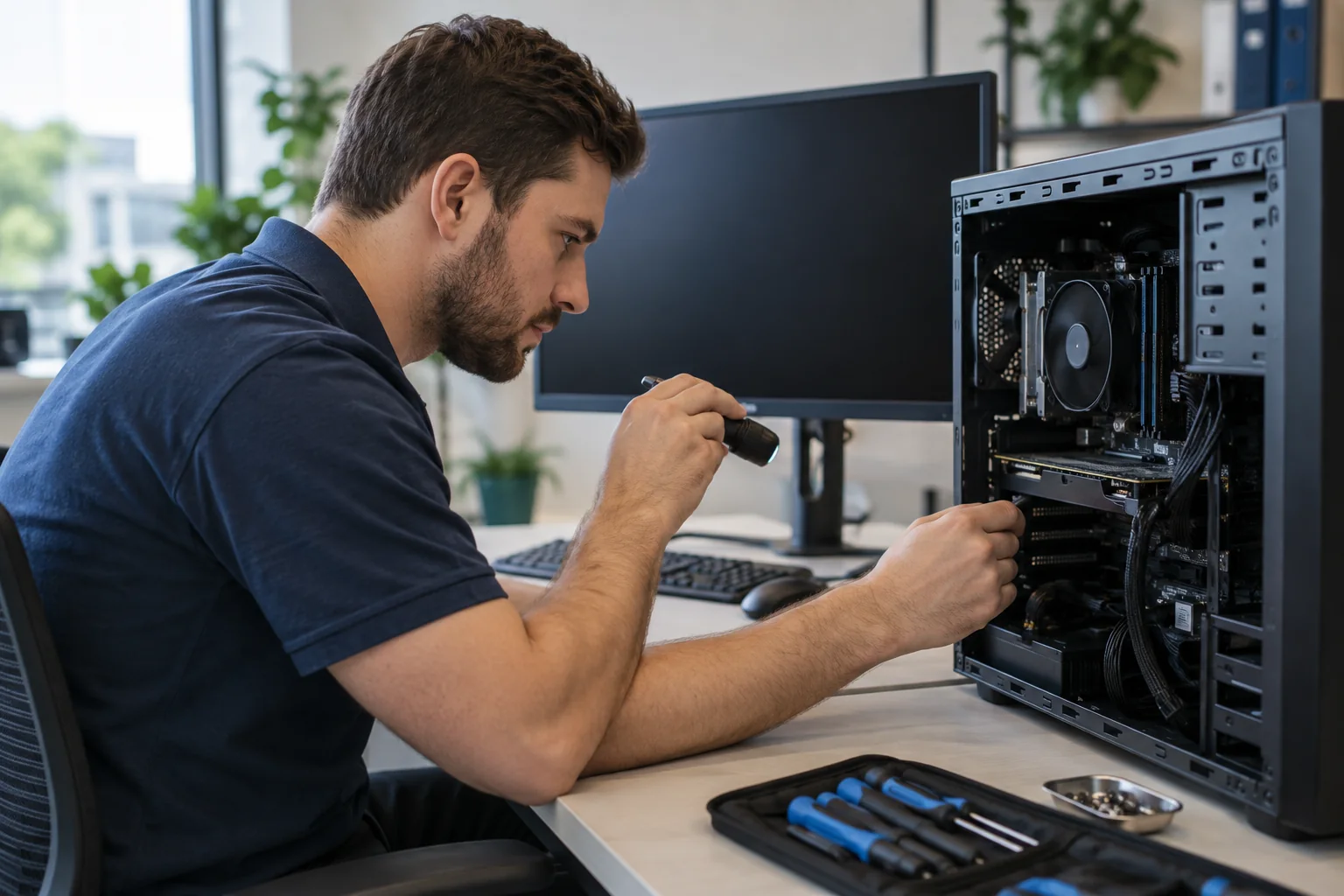
We test the outlet, power cable, power supply, motherboard indicators, memory, graphics hardware, monitor, and connections. For intermittent failures, the pattern of shutdowns or diagnostic lights can be as important as the final black screen.
Laptop black-screen and startup testing
Laptop failures can involve the charger, battery, display assembly, memory, storage, firmware, or motherboard. External-display and power-state testing help determine whether the computer is running behind the dark screen.
Repair, recovery, or replacement advice
If repair is practical, we explain the needed work. If the hardware is not economical to repair, we can help protect or recover the data and set up a replacement computer without pretending every failure needs a new machine.
Related services and practical guides
Schedule service
Tell us what device you have, what is happening, and when you need help. We will explain the next step and arrange the appropriate service.
Request Service