
Reviewed by Ivan Yurynts, IT Tech LLC
Practical guidance based on local on-site repair and support work.
Unusual mechanical noise is a stop signal
Clicking, repeated spin-up, scraping, or beeping from a hard drive can indicate mechanical trouble. Continued power cycles may create additional media damage.
Do not initialize, format, or repair the only copy
A drive that appears unallocated or requests formatting may still contain recoverable data. Writing a new structure or running repair tools can overwrite information needed for recovery.
Healthy-drive software advice does not fit every failure
File-recovery software can help with some logical problems, but a drive that disconnects, stalls, reports errors, or makes abnormal sounds should be evaluated before a full scan stresses it further.
Choose the recovery level based on the value of the data
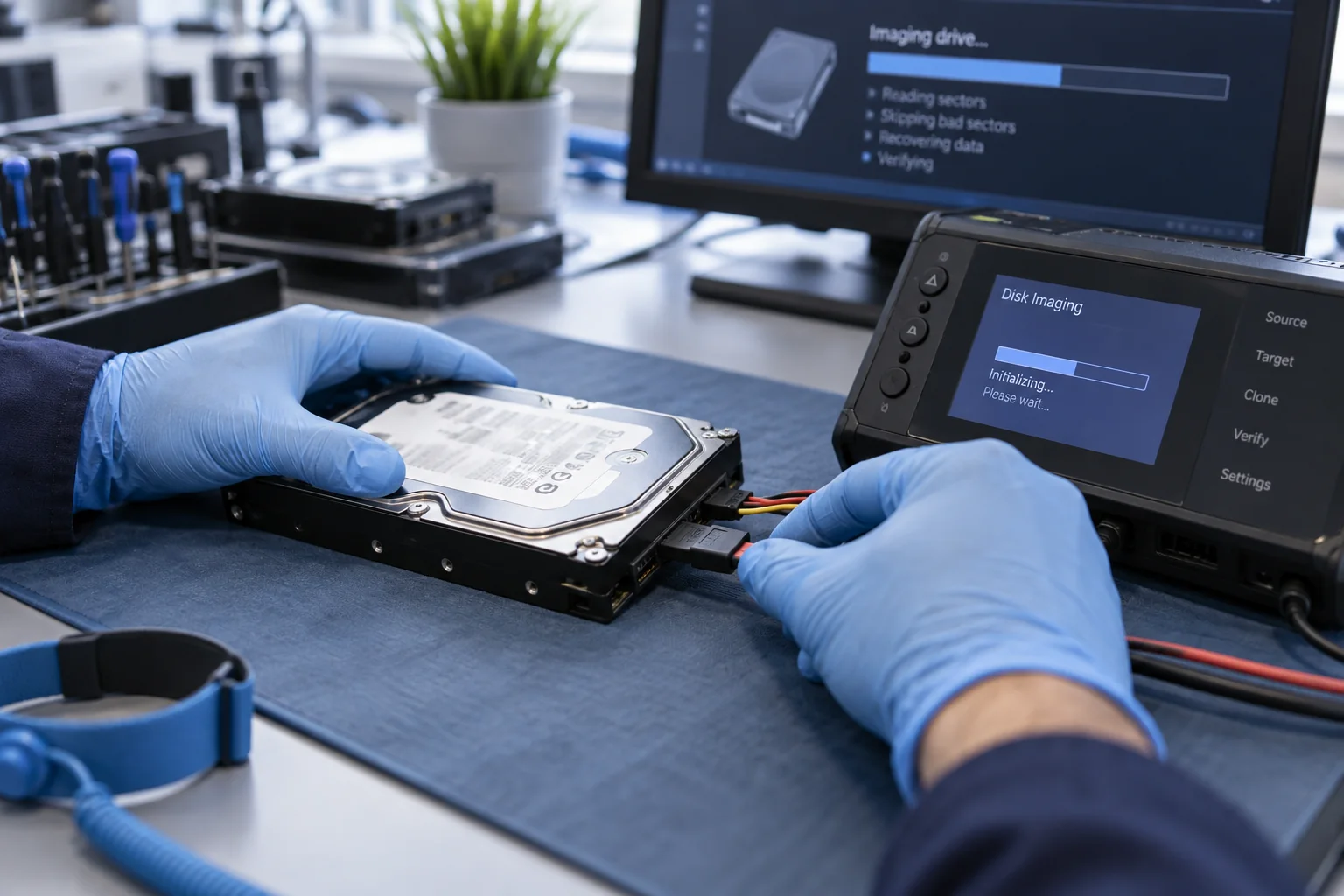
Some cases can be imaged with controlled equipment; physical damage may require a specialist laboratory. The right first step depends on symptoms, drive type, prior attempts, and whether another copy exists.
Related local IT services
Use these service pages to learn what IT Tech LLC can diagnose, install, or support at your home or business.