
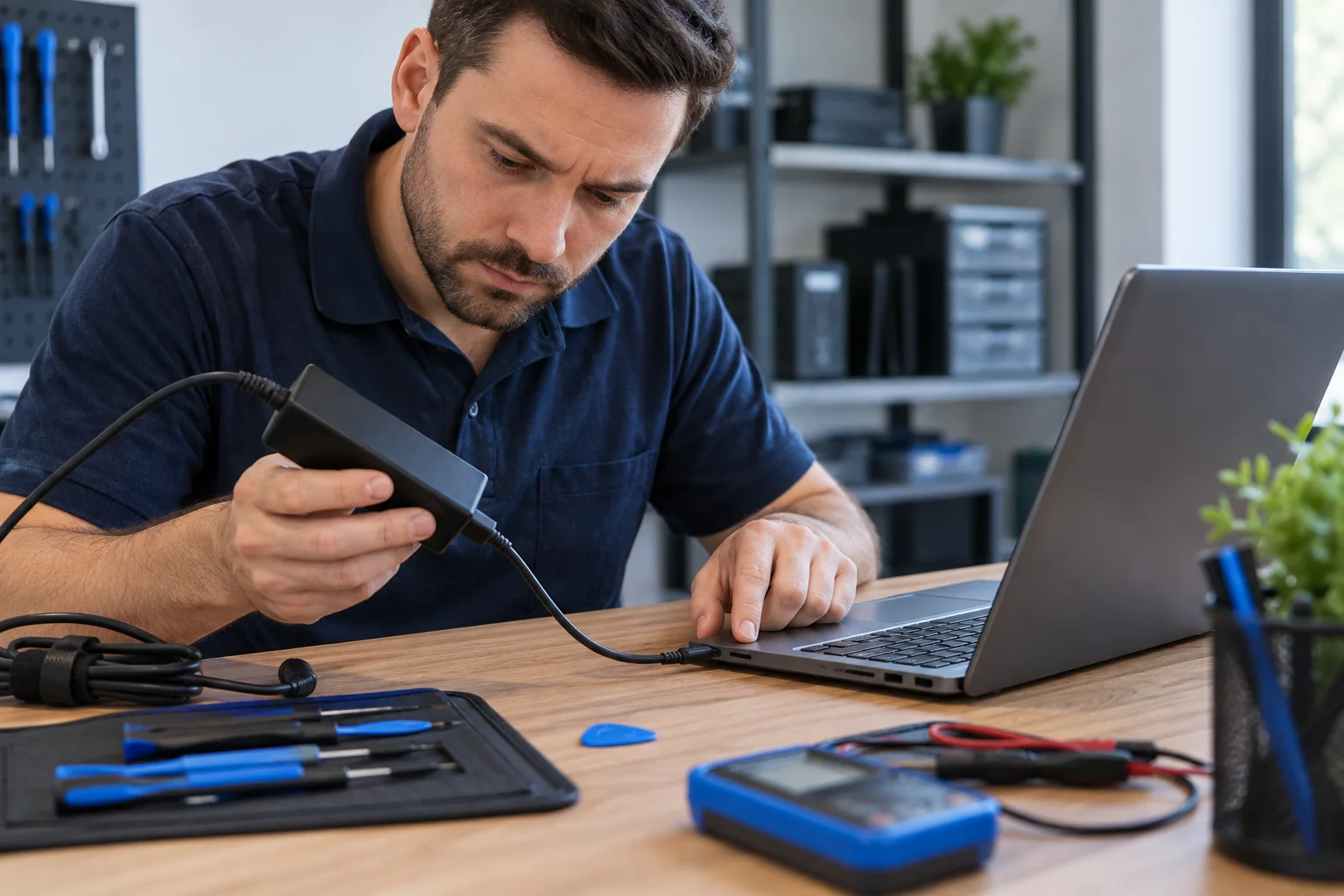
Find the cause before replacing parts
A no-charge condition can come from the wall outlet, adapter, cable, battery, charging port, power-delivery circuitry, or motherboard. We test the power path so the recommendation is based on evidence rather than guessing.
DC jack and USB-C charging problems
Loose barrel jacks, damaged USB-C connectors, debris, cracked solder joints, and worn cables can all create intermittent charging. Port replacement and board-level evaluation are available when appropriate; some repairs require workshop time rather than an on-site attempt.
Battery, adapter, and firmware checks
A laptop may recognize the adapter but refuse to charge because of battery health, incorrect wattage, firmware, thermal conditions, or manufacturer power-management settings. We check these conditions before recommending a battery or board repair.
Protect the laptop and your data
Stop using a connector that becomes hot, sparks, smells burned, or must be held at an angle. Continued movement can increase board damage. If the computer still starts, important data should be backed up before invasive work.
Related services and practical guides
Schedule service
Tell us what device you have, what is happening, and when you need help. We will explain the next step and arrange the appropriate service.
Request Service