
Reviewed by Ivan Yurynts, IT Tech LLC
Practical guidance based on local on-site repair and support work.
The type of failure matters
An instant power loss, restart, blue screen, frozen image, driver reset, and game-only crash do not point to the same cause. Record the exact behavior and whether Windows logs an error.
Temperature is only one measurement
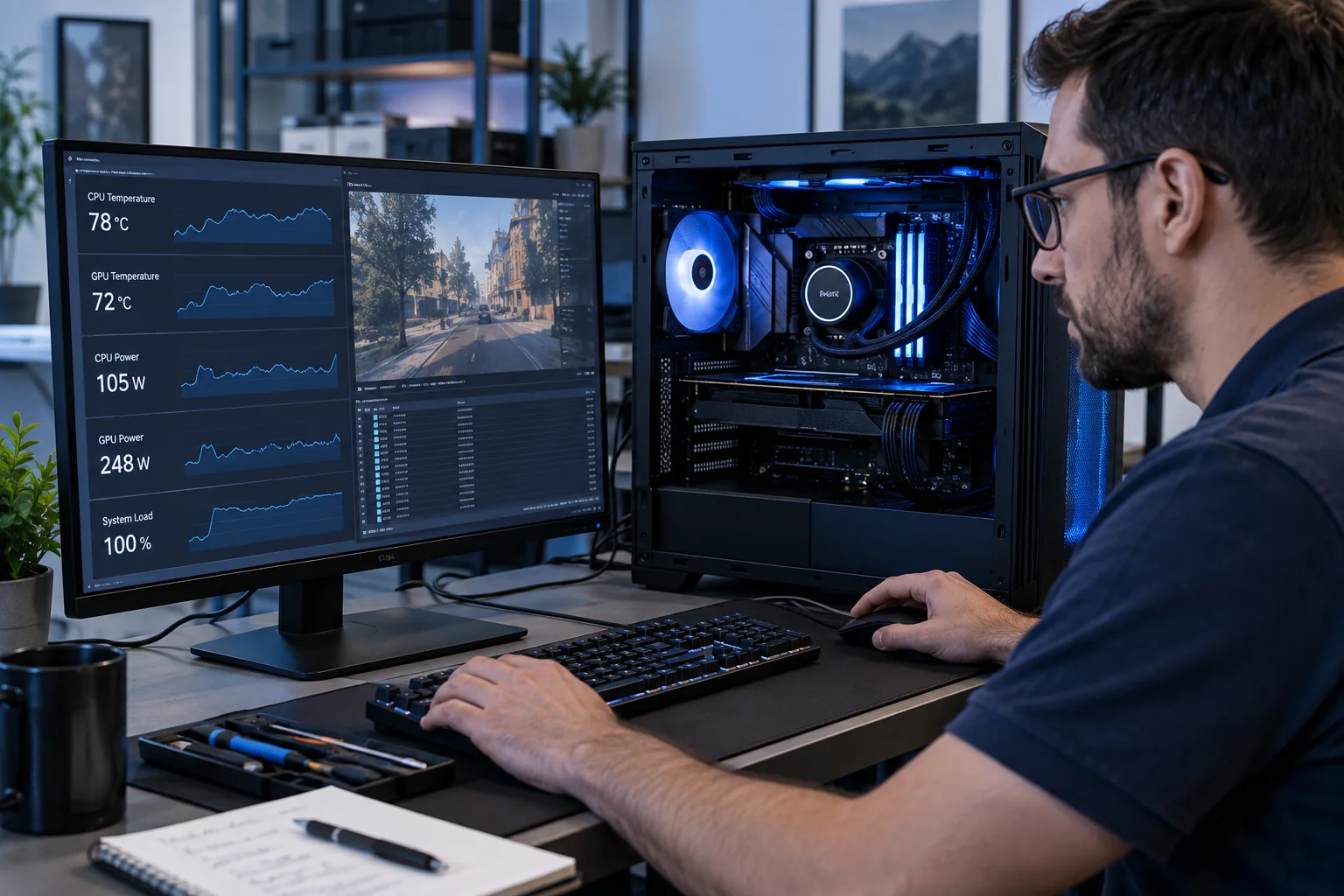
CPU and GPU temperatures matter, but hotspot temperature, fan behavior, pump operation, dust, case airflow, and power-component heat can reveal failures a single average temperature misses.
Power supply problems often appear under load
A system may browse the web normally but fail when the graphics card and processor draw more power. Wattage labels alone do not prove that the power supply, cable arrangement, or connectors are healthy.
Return overclocks to a known baseline
Memory profiles, undervolting, automatic boost settings, and aging overclocks can become unstable after hardware or firmware changes. Testing at supported defaults helps separate tuning from defective hardware.
Related local IT services
Use these service pages to learn what IT Tech LLC can diagnose, install, or support at your home or business.