
Reviewed by Ivan Yurynts, IT Tech LLC
Practical guidance based on local on-site repair and support work.
An extender repeats what it can receive
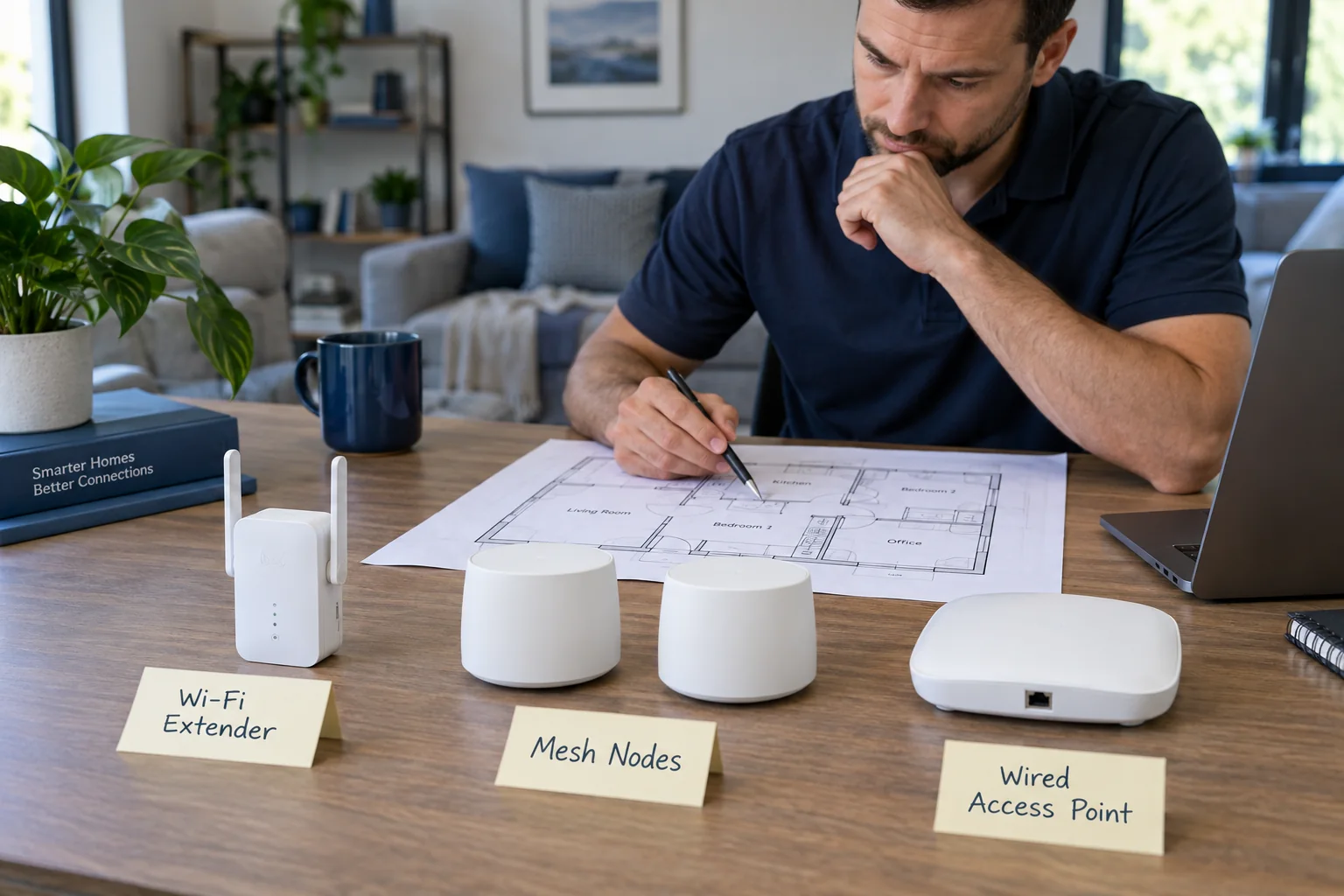
Placing an extender inside the dead zone usually repeats a weak or unstable connection. It needs a reliable upstream signal, and some designs reduce usable airtime or create a separate network that devices do not leave gracefully.
Mesh coordinates multiple access points
A mesh system can simplify roaming and management, but wireless mesh nodes still need good communication with one another. More nodes are not always better, especially when they compete on the same channels.
Wired backhaul changes the equation
Ethernet or compatible existing cabling can connect access points without consuming wireless capacity for the backhaul. For offices, cameras, gaming, and large homes, wiring can provide a more predictable result.
Design from measurements, not packaging claims
Construction materials, neighboring networks, floor plan, device locations, and internet speed should be measured before purchasing equipment. The goal is dependable service where it is used, not the highest advertised square-foot number.
Related local IT services
Use these service pages to learn what IT Tech LLC can diagnose, install, or support at your home or business.