
Reviewed by Ivan Yurynts, IT Tech LLC
Practical guidance based on local on-site repair and support work.
Verify local recording before changing remote settings
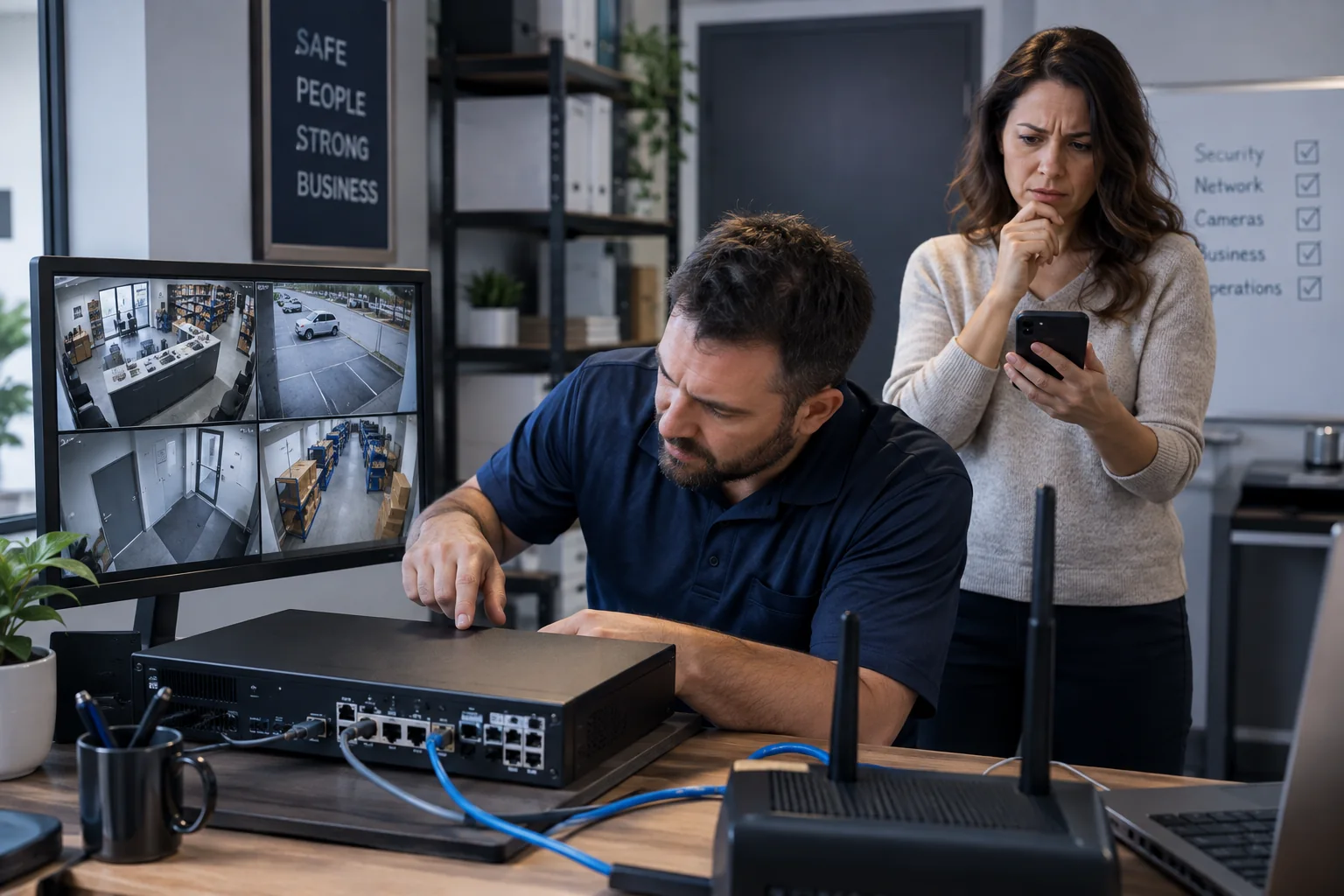
Confirm that cameras still record and play back on the local monitor. A remote-access failure should not trigger recorder resets that risk footage or configuration.
A new router changes the network environment
The recorder may receive a different local address, lose a reservation, or sit behind changed firewall and DNS behavior. Provider gateways can also introduce double NAT or addressing that does not accept inbound connections.
Application and account access can fail independently
Vendor cloud status, expired sessions, ownership, device identifiers, two-factor authentication, and mobile permissions may affect remote viewing even when the network is correct.
Restore access without unnecessary exposure
Do not solve the problem by broadly exposing the recorder to the internet. Use the manufacturer’s supported secure method, unique credentials, current firmware, and the minimum required network access.
Related local IT services
Use these service pages to learn what IT Tech LLC can diagnose, install, or support at your home or business.