
Reviewed by Ivan Yurynts, IT Tech LLC
Practical guidance based on local on-site repair and support work.
Identify the actual scope
Determine whether the outage affects one computer, one room, Wi-Fi only, wired devices, phones, payment systems, or the entire site. This distinction quickly separates a device problem from access point, switch, firewall, cabling, or internet-provider failure.
Record status before restarting equipment
Photograph warning lights and note which systems still work. Check the internet-provider status from a separate connection. Avoid repeatedly power-cycling every device at once, because that can erase useful clues and create a longer recovery sequence.
Protect business-critical systems
If phones, POS terminals, cameras, shared files, or remote access depend on the network, identify them when requesting help. A temporary connection may restore one workflow while the underlying fault is diagnosed.
Know what the technician will need
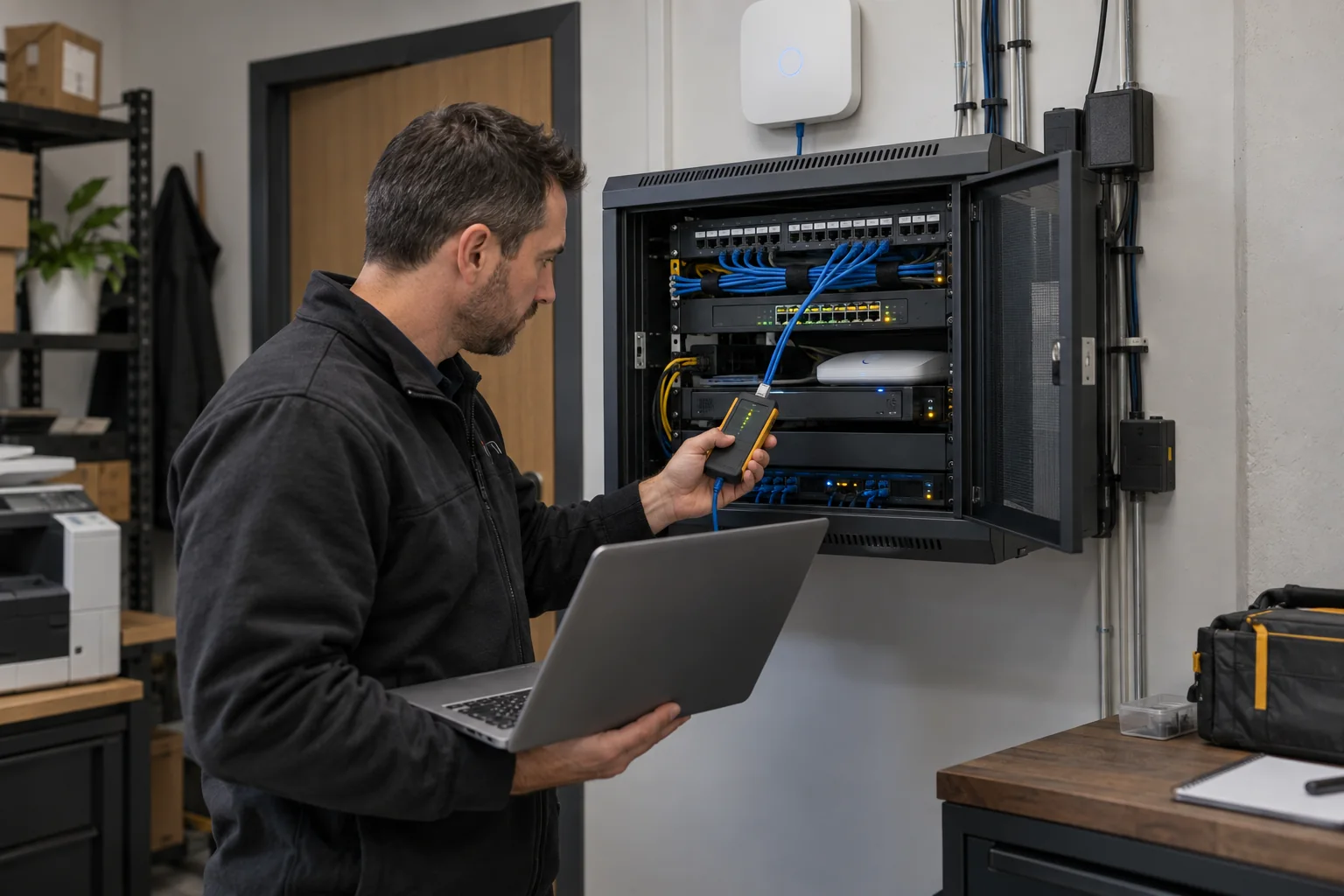
Provide the equipment brands, symptoms, start time, recent power or provider events, and any changes made before the outage. Access to the network cabinet, provider account, and authorized administrator credentials may be required, but credentials should not be placed in a public web form.
Prevent the next avoidable outage
After recovery, document the network, label equipment, review backup power, replace failing cables or switches, secure administrative access, and decide which components should be monitored or kept as spares.
Related local IT services
Use these service pages to learn what IT Tech LLC can diagnose, install, or support at your home or business.