
Reviewed by Ivan Yurynts, IT Tech LLC
Practical guidance based on local on-site repair and support work.
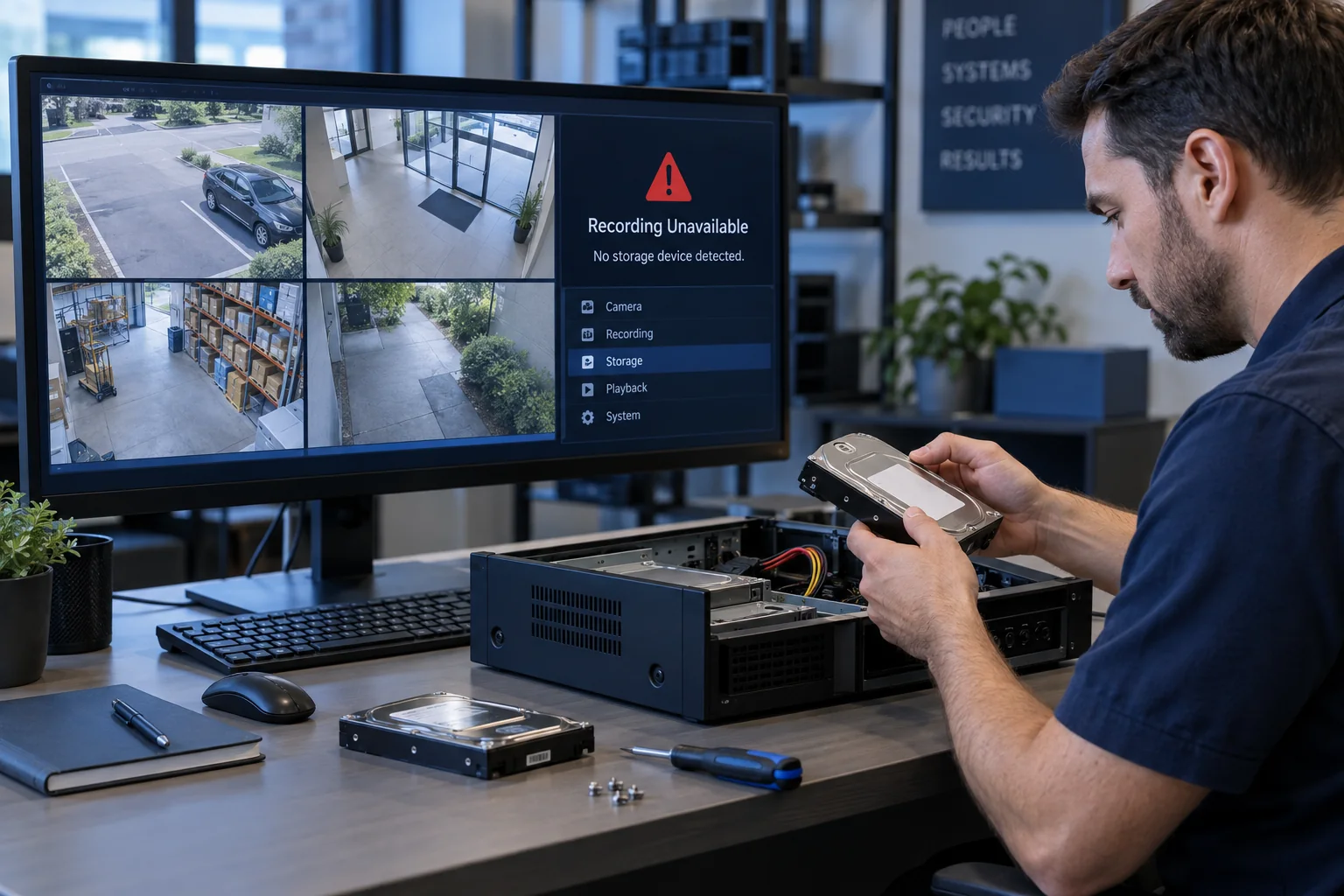
Live video does not prove that footage is stored
The camera, network, and display path can work while the recorder has a failed drive, disabled schedule, incorrect channel assignment, or no remaining retention capacity. Playback must be tested separately.
Check several channels and dates
Review footage from every required camera, not only the easiest channel. Confirm continuous or motion schedules, detection zones, overwrite behavior, and representative daytime and nighttime events.
Time errors make footage appear missing
Incorrect time zones, daylight-saving settings, or failed synchronization can place recordings under the wrong hour or date. Correct time is also essential when footage may be used as evidence.
Storage warnings require prompt attention
A failing surveillance drive may continue showing live images while recordings become incomplete. Check health, capacity, retention, and recorder logs before the footage is urgently needed.
Related local IT services
Use these service pages to learn what IT Tech LLC can diagnose, install, or support at your home or business.