
Reviewed by Ivan Yurynts, IT Tech LLC
Practical guidance based on local on-site repair and support work.
Windows 10 still runs, but the support decision changed
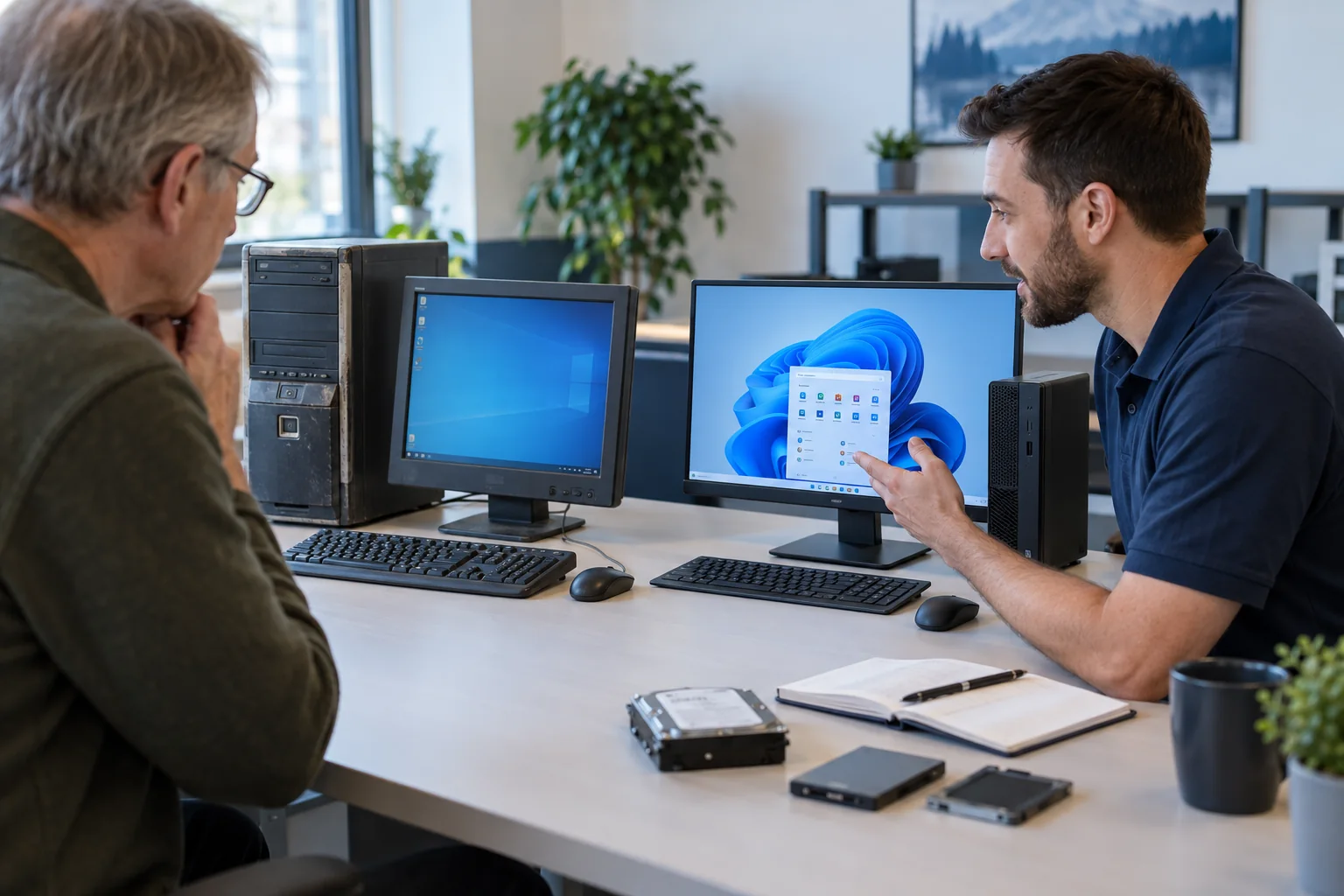
Microsoft ended standard Windows 10 support on October 14, 2025. The computer does not suddenly stop working, but ordinary security and support expectations change. A household and a business may reasonably choose different timelines.
Check more than the Windows 11 compatibility result
Processor support and security features matter, but so do storage health, memory, battery condition, application compatibility, peripheral support, and the cost of correcting other aging hardware. A compatible computer is not automatically a good upgrade candidate.
When an upgrade makes sense
An in-place upgrade can be appropriate when the hardware is healthy, performance is adequate, required applications are supported, and a verified backup exists. Drivers, firmware, encryption recovery information, and free storage should be checked before starting.
When replacement is the better value
Replacement is often more sensible when several components are failing, the computer cannot be supported normally, or downtime matters more than extending old hardware. A planned migration protects files and lets printers, email, applications, and backups be tested before the old computer is retired.
Sources and further reading
Provider features and policies can change. These primary sources were reviewed for this guide.
Related local IT services
Use these service pages to learn what IT Tech LLC can diagnose, install, or support at your home or business.